1
Start in Brain Dump
Capture tasks fast, then schedule them when you are ready.
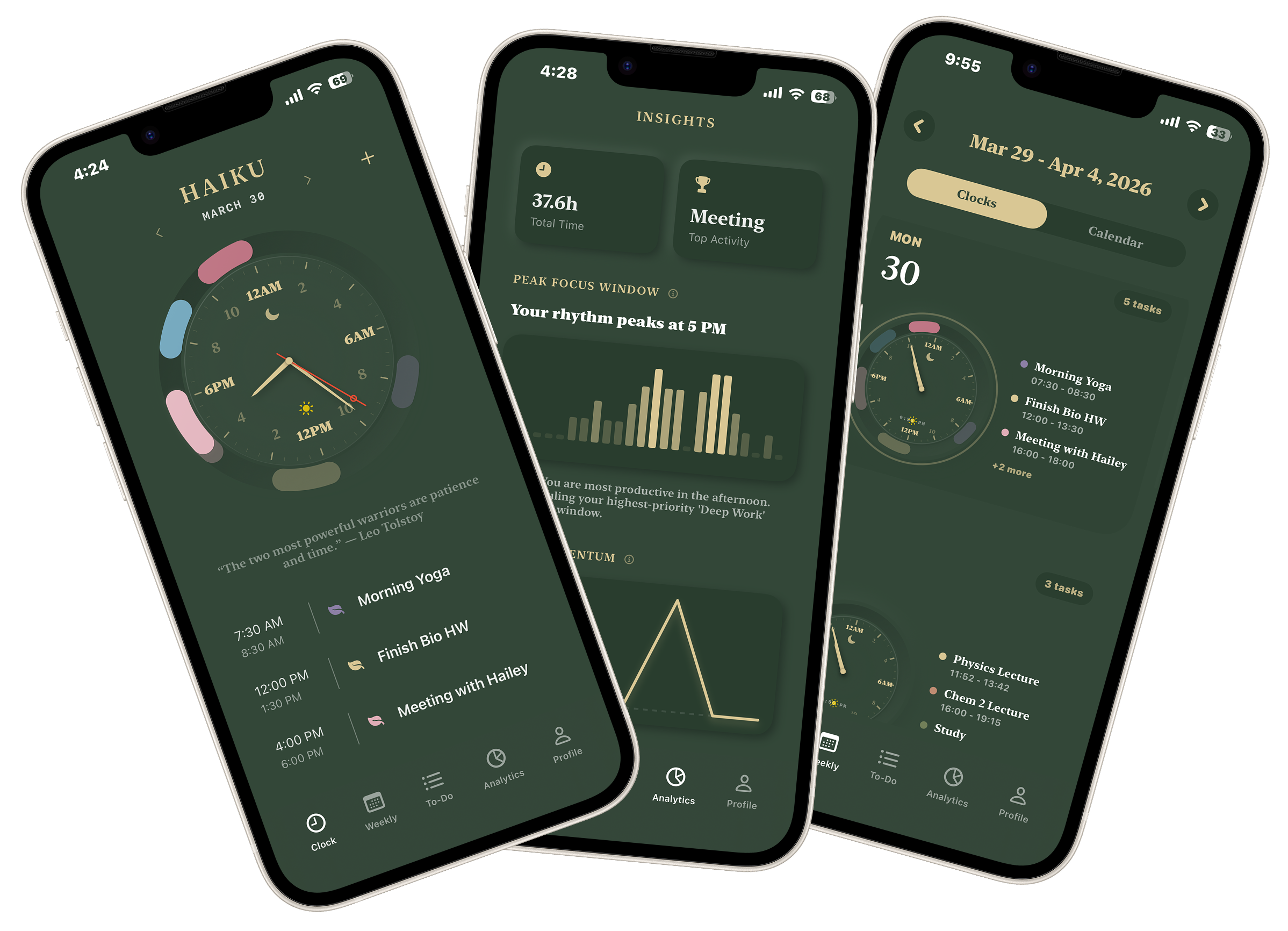
Put tasks, calendar events, and reminders on one 24-hour clock. Check your week, sync calendars, and see where your time goes.
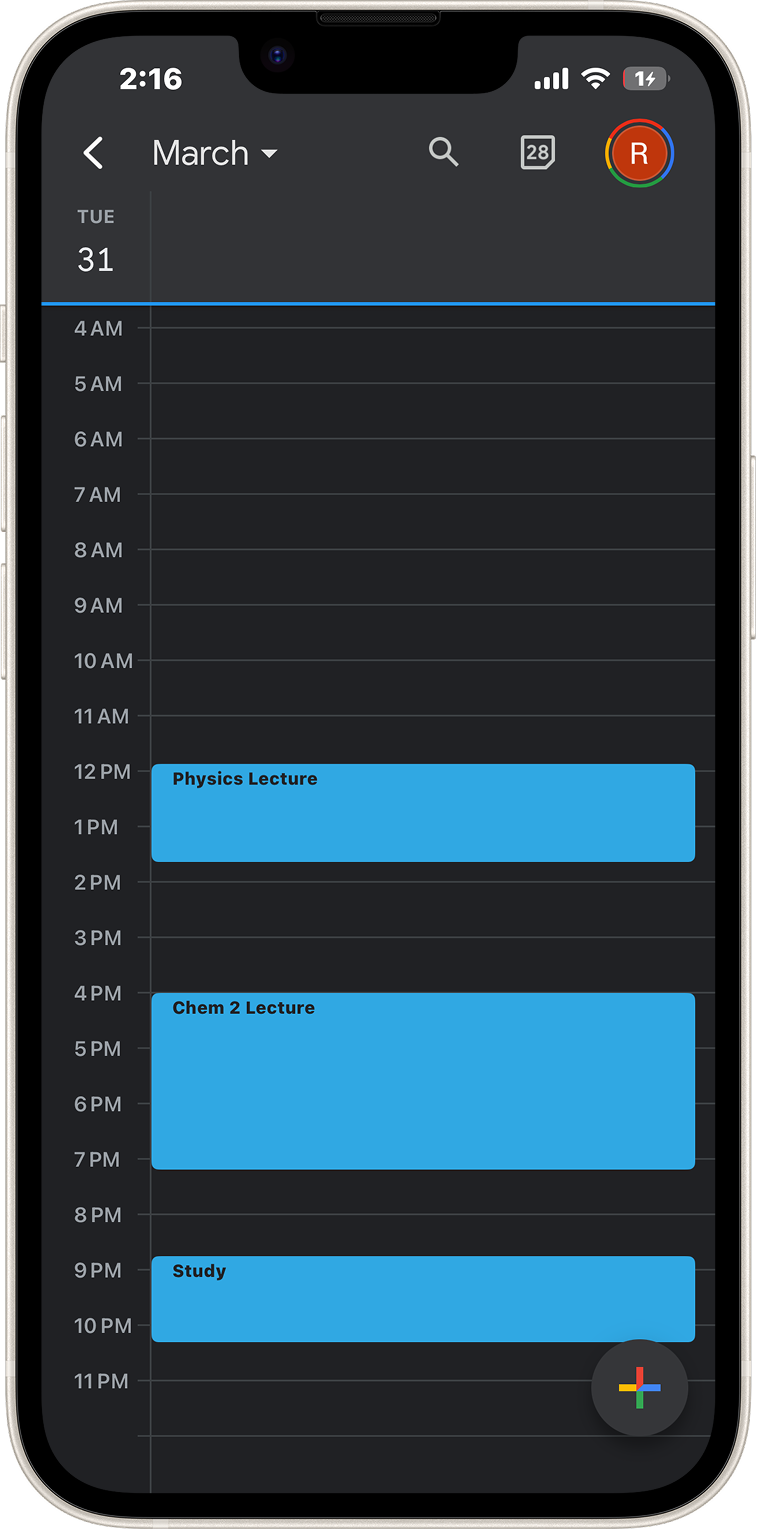
Easily syncs with both Google and Apple Calendar.
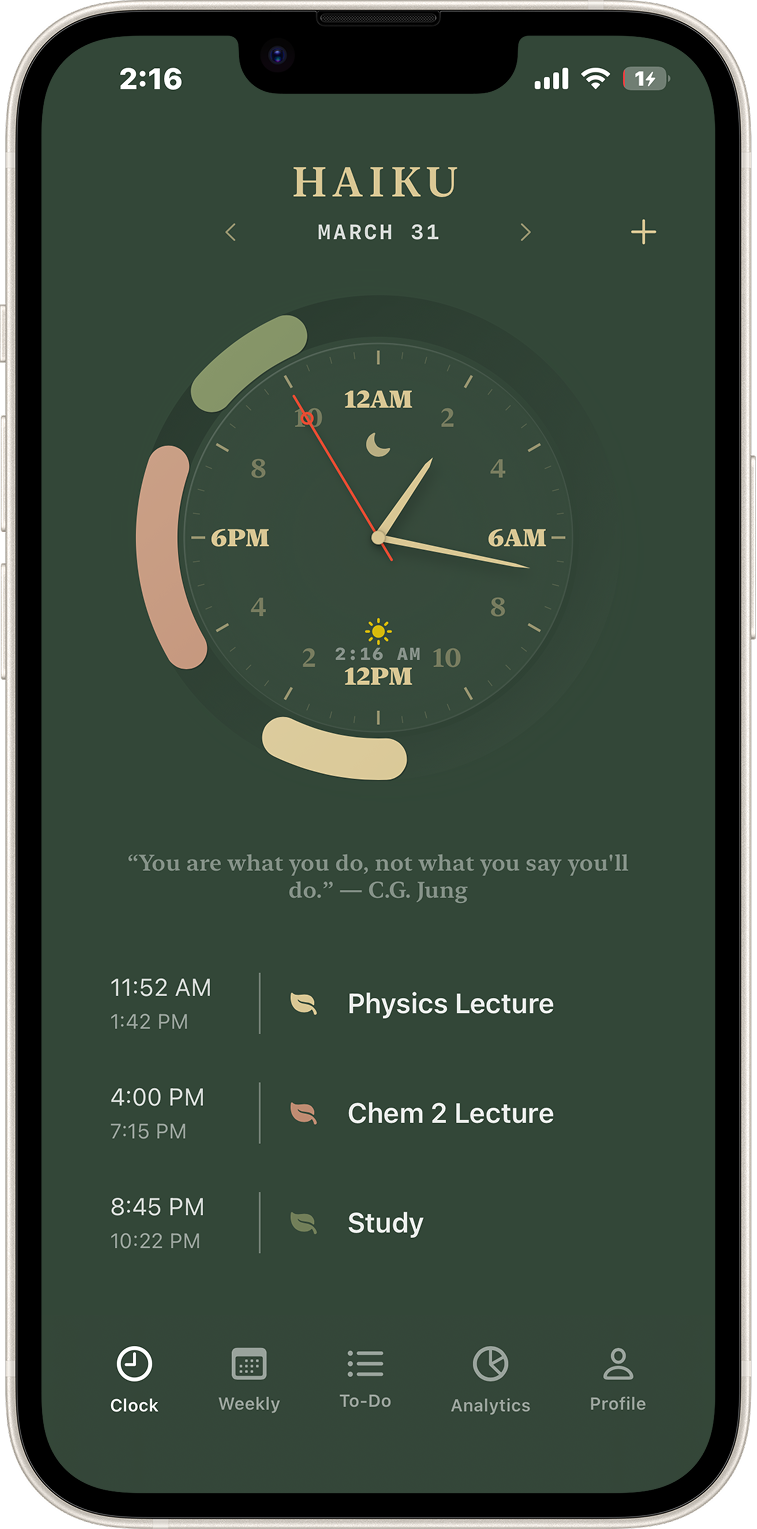
Capture tasks, place them on the clock, check the week, and keep moving.
Capture tasks fast, then schedule them when you are ready.
Set the time, category, and color, then see the full day at once.
Switch between daily clocks and a calendar view.
Total time, busiest hours, top categories, and week-to-week changes.
Your total planned time, plus what is taking most of it.
See when your schedule is usually the fullest.
A quick look at whether your focus time is up or down.
Put tasks on a clock, sync calendars, check the week, and keep your time clear.